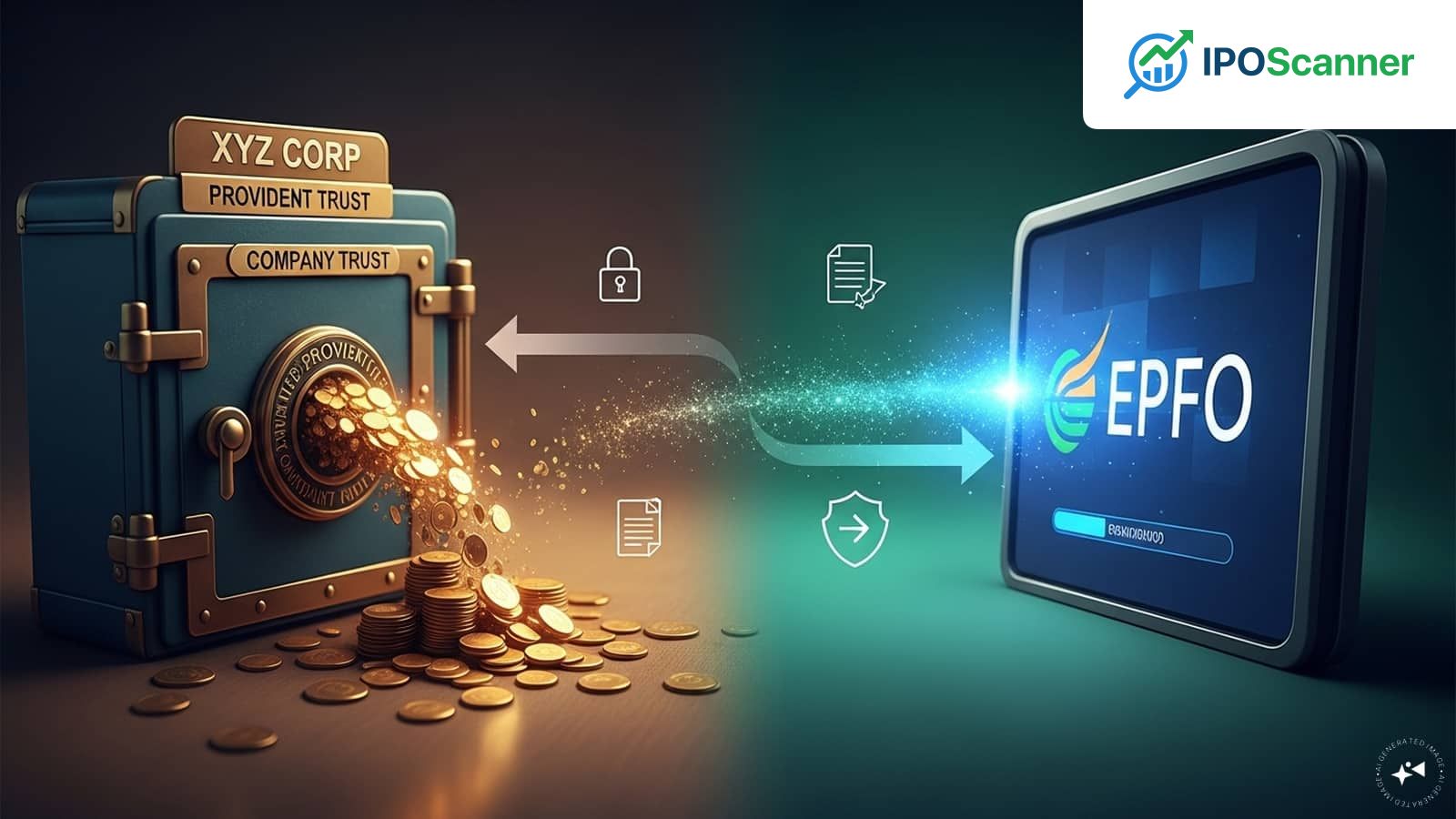
Transferring PF Benefits: A Step-by-Step Guide to Migrating from a Company-Managed Trust to an EPFO Account
EPF Transfer Process in India: A Guide for Employees
Overview
Switching jobs in India can be challenging, especially when it comes to managing retirement savings. The Employee Provident Fund (EPF) ecosystem is fragmented, making it essential for employees to understand the process of transferring their retirement savings from a private trust to the EPFO account linked with their new employer.
Options for EPF Transfer
When leaving an organisation that maintains its own PF Trust, an employee typically has two options:
- Withdraw the accumulated amount: This may lead to a tax liability if the total period of continuous service is less than five years, resulting in a 10% TDS deduction.
- Transfer the balance to the EPFO account linked with the new employer: This preserves both tax benefits and continuity of service.
Steps to Transfer PF from Trust to EPFO
- Ensure UAN activation: Verify that your Universal Account Number (UAN) is activated.
- Log in to the EPFO Unified Portal: Navigate to 'Online Services' and select 'One Member – One EPF Account (Transfer Request)'.
- Verify personal and employment details: Confirm your personal and current employment details.
- Submit online request: Click 'Get Details' for your previous employment, select which employer should attest your claim, and submit the online request.
- Download and submit Form 13: Once submitted, download the PDF version of Form 13, sign it, and submit it physically to your previous employer's Trust.
- Trust processes Annexure K: The Trust will verify your PF balance, initiate the payment to the EPFO, and upload Annexure K to the EPFO portal.
Read also: Missing a Single EMI Payment Can Adversely Impact Credit Profile
Tips and Precautions
- Ensure all personal details are accurate, including KYC information and employment details.
- Verify employment details for both previous and current employers.
- Keep copies and acknowledgements of all submitted forms for records.
- Periodically check the status of your transfer request.
Merging Multiple PF Accounts
To merge multiple EPF accounts, follow these steps:
- Visit the official EPFO website: Log in with your UAN and password.
- Click on 'One Member – One EPF Account': Enter your UAN and registered mobile number, and generate OTP.
- Verify and provide details: Enter the required details of your previous EPF accounts, tick the declaration box, and submit the request.
Key Figures
- 5 years: The minimum period of continuous service required to avoid a 10% TDS deduction.
- 10%: The TDS deduction rate applicable for periods of continuous service less than 5 years.
- UAN (Universal Account Number): A unique identifier for EPF accounts.
- EPFO (Employee Provident Fund Organisation): The governing body responsible for managing EPF accounts.
- PF Trust: A private trust responsible for managing EPF accounts for a specific organisation.
Investor Takeaway
Employees should consider transferring their PF benefits to an EPFO account when switching jobs to preserve tax benefits and continuity of service.
More in General

Correcting Credit Score Errors: A Guide to Ensuring Accurate CIBIL Reports and Optimal Loan Eligibility

Missing a Single EMI Payment Can Adversely Impact Credit Profile

EPF Withdrawal Comes with Tax Implications: A Guide to Understanding the Consequences