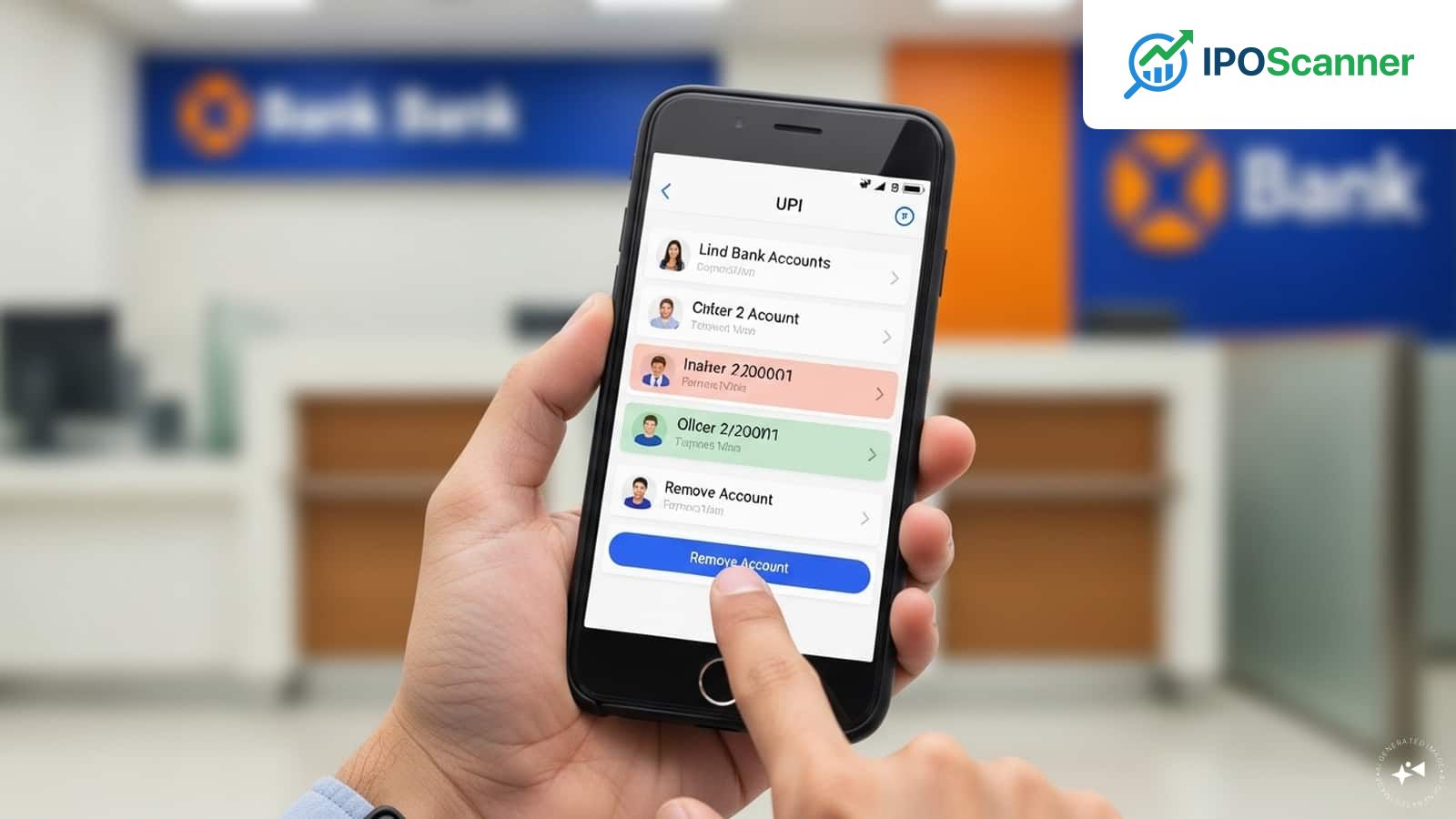
Removing Inactive Bank Accounts from Digital Wallets Post-Bank Switch
Managing Your UPI Account: A Guide to Linking, Changing, and Securing Your Bank Accounts
The Unified Payments Interface (UPI) system allows users to connect multiple bank accounts to a single mobile number, making it easier to manage payments through a single application. However, when the need arises to change the linked account due to account closure or better banking facilities offered by another bank, it's essential to do so carefully to ensure a smooth payment process and security of the account.
One of the key benefits of using UPI is that in most cases, a new UPI ID is not required when linking a different bank account. This can be done within the UPI application itself, streamlining the process and eliminating the need for additional registration.
Linking a Bank Account to a UPI ID
Read also: Global Markets: Key Indicators to Monitor in Today's Trading Session
To link a bank account to a UPI ID, follow these steps:
- The UPI application retrieves a list of all bank accounts associated with the registered mobile number.
- Upon confirmation of the mobile number, the application displays all bank accounts linked to that mobile number.
- Select the desired account and link it with the UPI ID.
- In some cases, a new UPI PIN may need to be generated for the newly linked account.
This process ensures that only authorized accounts are accessible via the phone.
Changing the Associated Bank Account
Read also: Alphabet Increases Planned AI-Related Investment to $85 Billion
To modify the default account, follow these steps:
- Go to the UPI app and select the bank account settings.
- Pick the preferred bank account and make it the default account.
- This ensures that every payment made will be debited from this account unless specified otherwise.
Additionally, users can remove older accounts from the app if desired.
Precautions to Take During the Process
When linking or changing bank accounts, users must take the following precautions:
- Ensure the authentic UPI application is used and not a third-party application.
- Avoid initiating this process on a public network or computer.
- Do not share the UPI PIN and refrain from approving random verifications.
Effect on Ongoing Transactions and Mandates
Changing the linked bank account will not affect the UPI ID. However, some autopay mandates may still be associated with the old account and need to be renewed individually.
To avoid transaction failures, it's essential to check for active mandates after changing the account.
Organising Your UPI Account
Regularly confirming linked accounts helps users keep only the necessary accounts. Removing unnecessary accounts simplifies the process and minimizes risk. Having an updated UPI application is also necessary.
Frequently Asked Questions
- Do I need to change my UPI ID to change my bank account?
- No, you will be able to change bank accounts without changing your UPI ID.
- Will my old account get deleted automatically?
- No, you have to remove your old account from the app manually if you don’t want to use it anymore.
- Is it safe to change my bank accounts in UPI?
- Yes, but only when done in legitimate UPI applications.
More in Market

Global Markets: Key Indicators to Monitor in Today's Trading Session
Alphabet Increases Planned AI-Related Investment to $85 Billion

Sony, 3one4 Capital Support WeRize in Latest Funding Round, Fintech Eyes 2028 Initial Public Offering